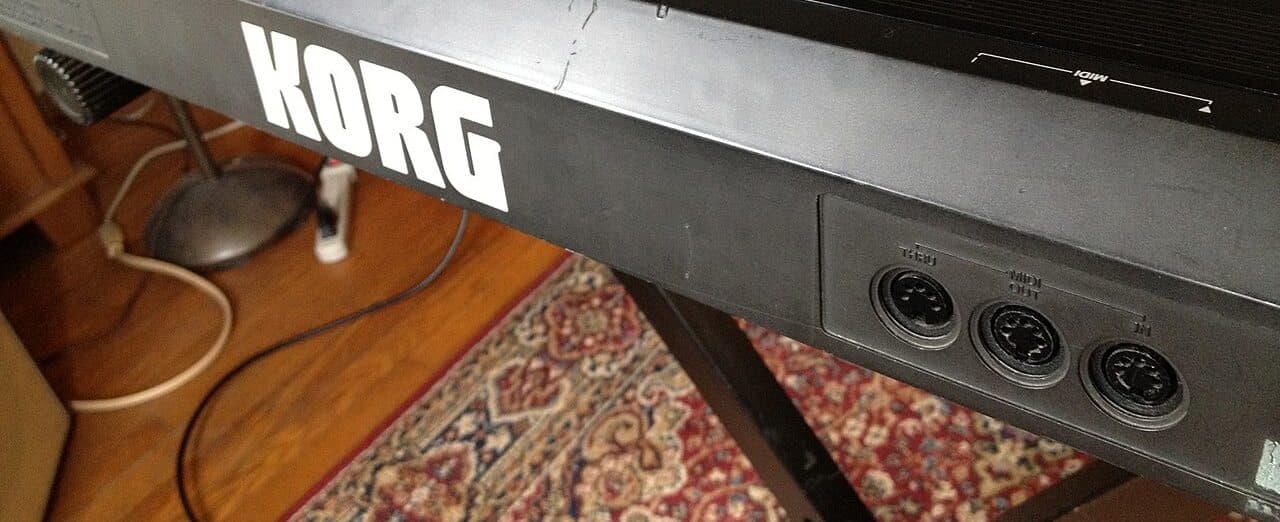
Short answer
So you open up a MIDI file with a hex editor and you don't see any sound. There are no audio samples in a MIDI file. What you do see is a long list of instructions that a synthesizer, a DAW, a sound card or a browser will follow when you press play: play this note, right now, this hard, on that instrument, and hold it for this long.
If you want a picture of it, a WAV or an MP3 is a recording of the concert, and a MIDI file is the score the band was playing from. Once you've got that, pretty much everything else about the format falls into place:
- It's tiny. A 3-minute song comes to maybe 20–80 KB as MIDI, while the same song as CD-quality WAV is around 30 MB, so several hundred times bigger.
- You can edit it down to the single note. Fix one wrong note, transpose the whole song, slow it down without changing the pitch, swap the piano for a guitar.
- It sounds different on every device you play it on. The file says "play a piano", and the device decides what a piano sounds like.
- When you convert a recording to MIDI, you get the notes, their timing and how hard they were hit, and that's it. The singer's voice, the mix and the reverb don't come along, because a MIDI file has nowhere to put them.
The format itself is called the Standard MIDI File, or SMF. It was adopted back in 1988, it hasn't changed since, and just about every music program, keyboard and game engine out there can read it.
A short history
The MIDI file is actually five years younger than MIDI itself. MIDI, from 1983, is a cable protocol that lets instruments talk to each other in real time. The file format came along in 1988, once people wanted to keep what was going down the cable.
1981: the plug problem
Back in 1981, if you owned a Sequential Circuits Prophet-5 and wanted to play a second synthesizer from its keyboard, that second synth had to be another Sequential. Every manufacturer had its own connector and its own protocol: Roland had DCB, Oberheim had a parallel bus, Sequential had its own thing. Synths from different brands simply didn't talk to each other. They had incompatible holes in the back.
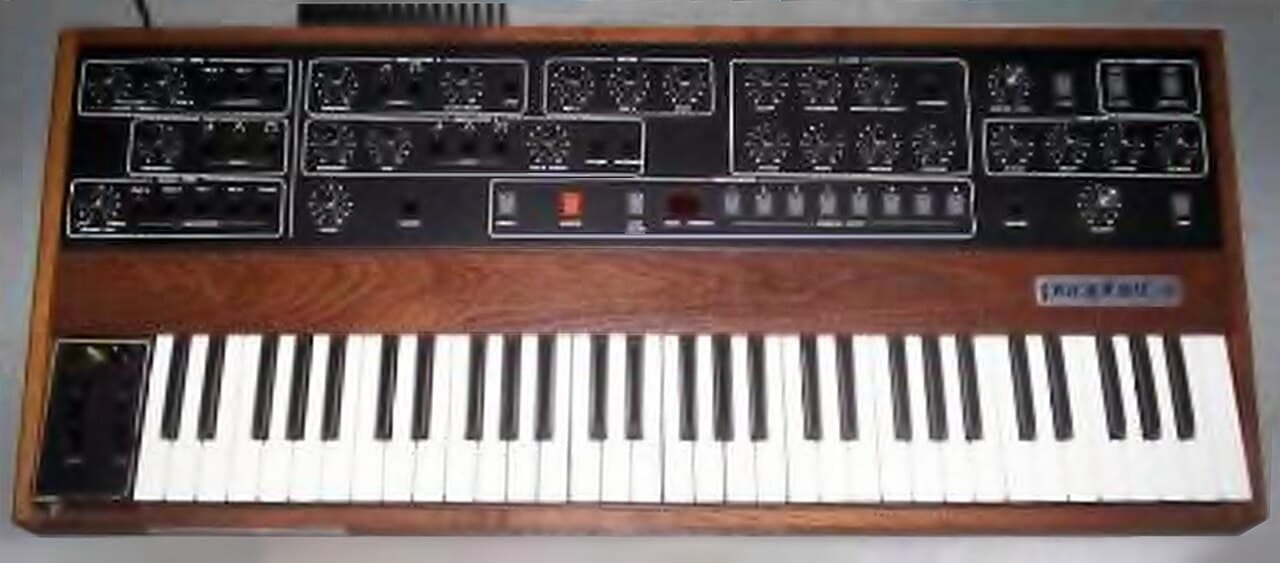
Dave Smith, the engineer behind the Prophet-5, decided this was absurd. Together with Chet Wood he wrote a paper proposing a Universal Synthesizer Interface and presented it at the Audio Engineering Society convention in October 1981. Then he did the thing that actually made it work: he gave it away instead of patenting it. Ikutaro Kakehashi, the founder of Roland, got behind the idea, and over the following year Roland, Yamaha, Korg and Kawai hammered it into shape together with Sequential. Along the way it got renamed MIDI, for Musical Instrument Digital Interface.
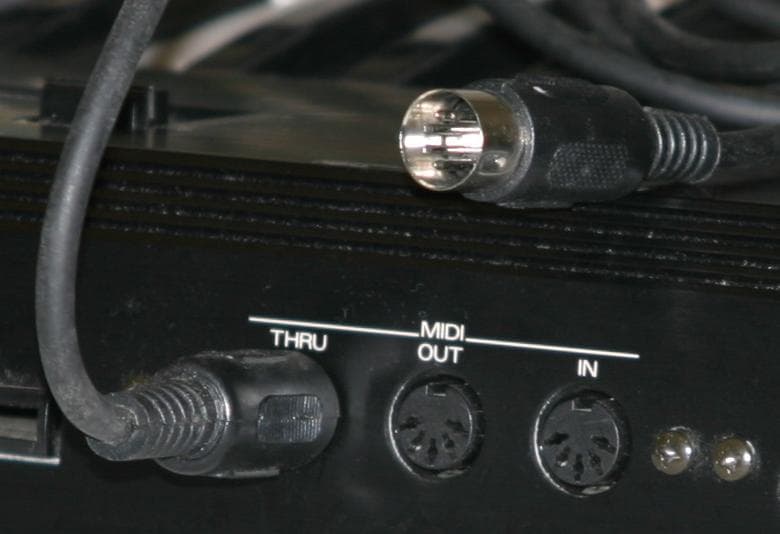
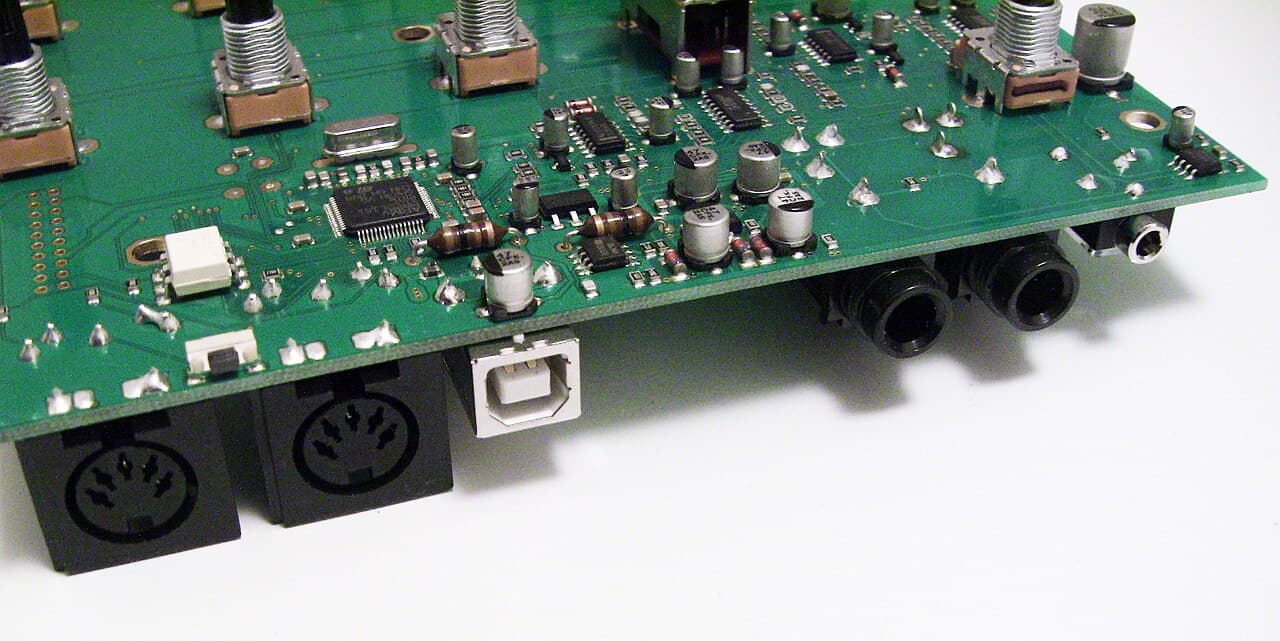
The whole design was cheap on purpose, so that no manufacturer could claim it cost too much to add. A 5-pin DIN cable that every electronics shop already had in stock. A serial link at 31,250 bits per second, which looks like an odd number until you notice it's exactly 1 MHz divided by 32, easy for the microprocessors of the day to generate. One direction per cable. Sixteen channels. And values that fit in 7 bits, 0 to 127, so the eighth bit could mark where a message starts. That last choice is the reason every velocity, every knob and every note number in your DAW still stops at 127.
January 1983: one cable between two rivals
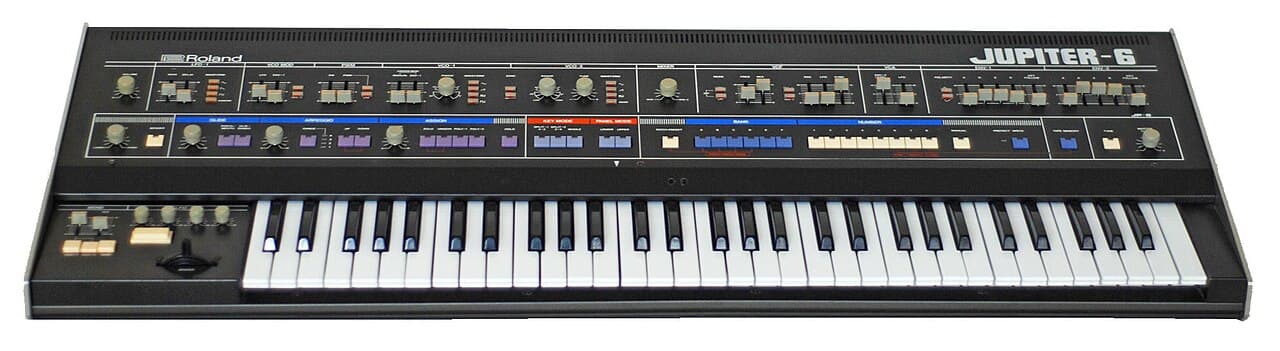
At the NAMM trade show in Anaheim in January 1983, somebody connected a Sequential Prophet-600 to a Roland Jupiter-6 with a cable, played one keyboard, and both synthesizers answered. Two competing companies, one cable, and it just worked. The MIDI 1.0 specification was published in August 1983, and in 1985 the manufacturers set up the MIDI Manufacturers Association, which is today's MIDI Association, to look after it.
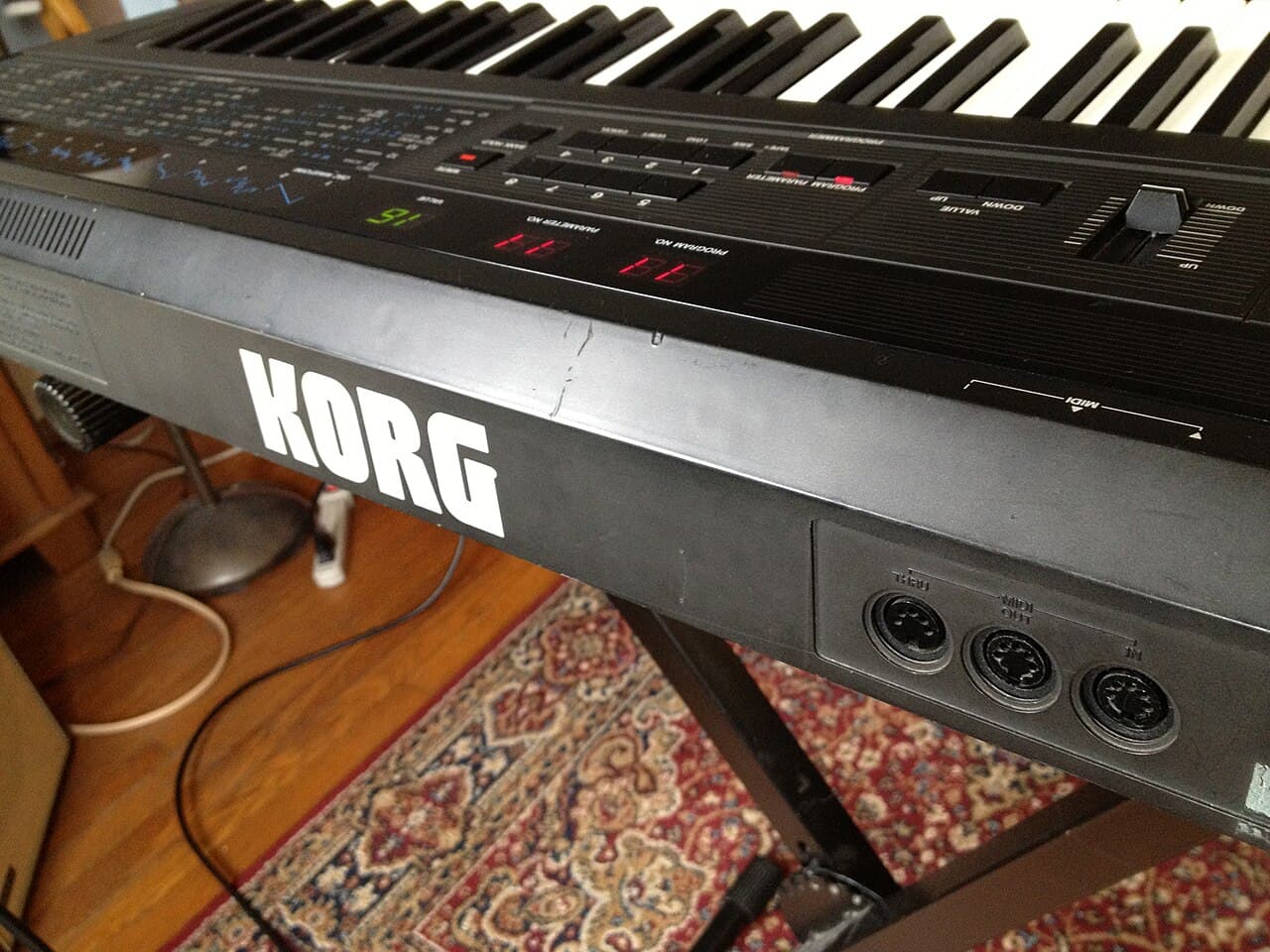
Smith and Kakehashi were given a Technical Grammy for MIDI in 2013. Kakehashi died in 2017 and Smith in 2022, and the 5-pin DIN socket they agreed on is still on the back of synthesizers being sold today.
1985–1989: the computer with MIDI sockets built in
In 1985 Atari did something no other computer maker thought was worth doing: it put MIDI on the back of a home computer. The 520ST, and then the 1040ST, shipped with MIDI IN and MIDI OUT as standard, right next to the printer and modem ports, for a fraction of what a Macintosh cost. No interface card, no adapter. You plugged the synth in and booted a sequencer. For the next decade the ST was the computer of European studios and bedrooms alike.
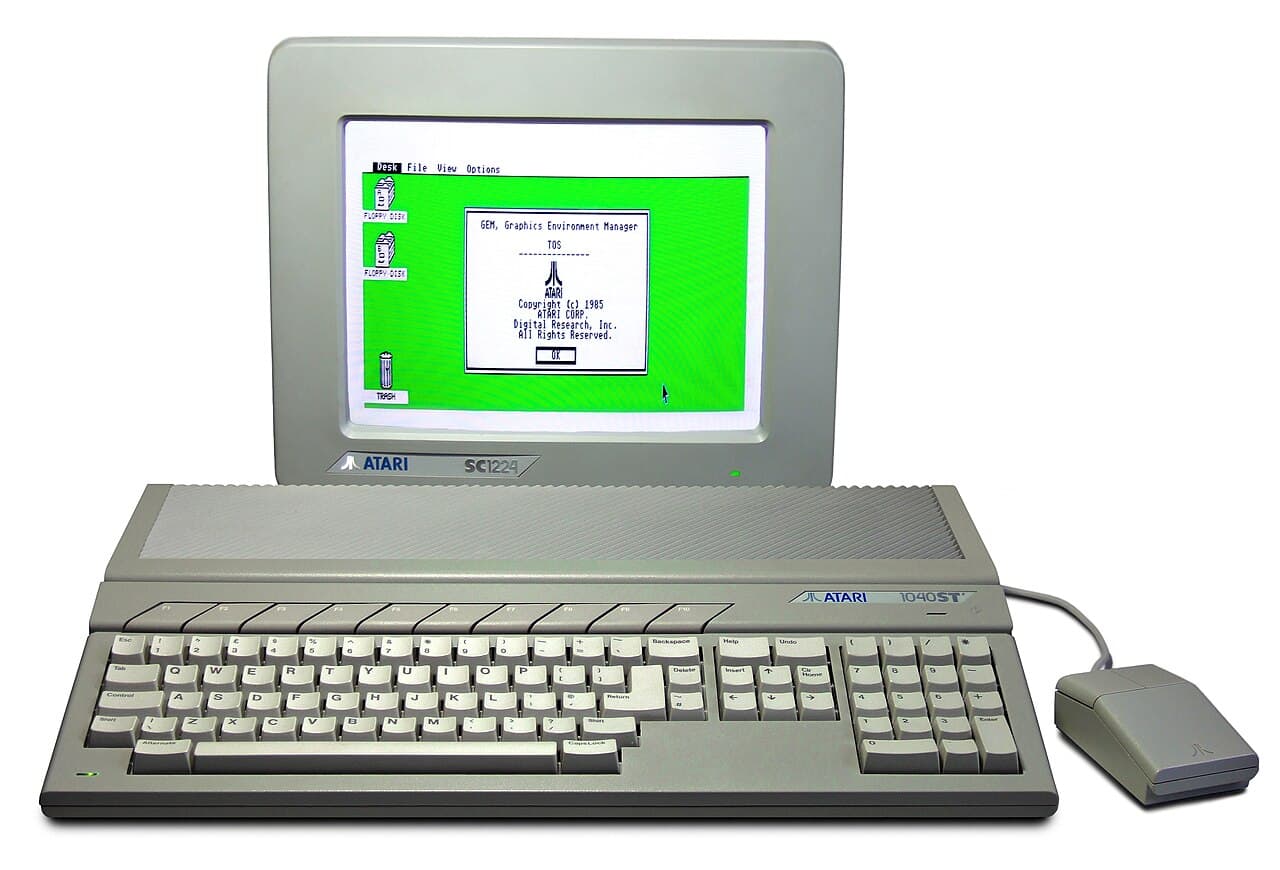
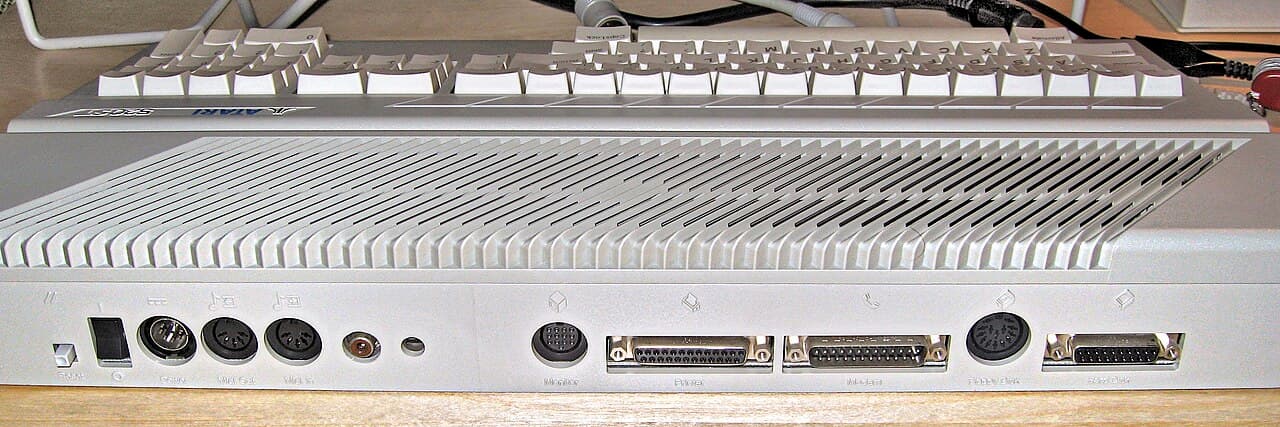
The software came from Hamburg. Steinberg's Pro-24 (1986) gave the ST a 24-track sequencer, and then, in April 1989, Cubase 1.0 introduced the Arrange window: tracks from top to bottom, time from left to right, parts you grab and drag with the mouse. Every DAW timeline you've used since is a descendant of that screen. Across town, C-Lab's Creator (1987) and Notator (1988) bolted a score editor onto a sequencer; Notator became Notator Logic, then Logic, and then Apple's Logic Pro.
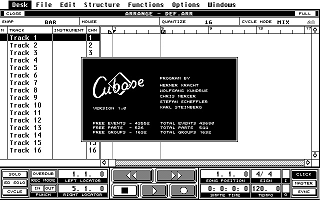
The ST outlived its era, too. Depeche Mode made Songs of Faith and Devotion (1992) on an Atari ST running Cubase, and Darude made "Sandstorm" (2000) on a 1040ST, which is a long career for a 1985 machine with one megabyte of memory.
1988: a protocol that had never heard of a file
MIDI was designed for cables, not disks, and it had no idea what a file even was. Through the mid-1980s sequencers started showing up on the Macintosh, the Atari ST, the Amiga and the PC, and every single program saved songs in its own private format. A song you made in one program lived and died there. If you changed sequencer, you played your songs in again.
Dave Oppenheim, over at Opcode Systems in Menlo Park, is the one who wrote the format that fixed this. His draft, version 0.06, is dated March 1, 1988, and it's a modest little document: it calls itself a proposed standard and asks readers to send their comments quickly so that version 1.0 can happen. The MIDI Manufacturers Association adopted it in July 1988.
What he came up with is small and stubborn. A file is a series of chunks, each with a four-letter type and a length, so a reader can skip anything it doesn't understand. Numbers are big-endian, which was the byte order of the Motorola 68000 inside the Macs that Opcode wrote for. Time is stored as the gap since the previous event, so a small gap costs you one byte. And on top of the cable messages he added "meta events" for all the things a cable never carried: tempo, time signature, track names, lyrics, copyright. Thirty-eight years later, a .mid file from 1989 opens in any DAW without complaint, and not many file formats from 1988 can say that.
1991: the file that played the wrong instrument
The Standard MIDI File did have one embarrassing gap, though. It could say "program 25", but nobody had agreed on what program 25 was. On one synth it was a guitar, on another a flute, on a third a cowbell. Sending someone a MIDI file was a bit like sending them a lottery ticket.
General MIDI, adopted in 1991 by the MMA and the Japan MIDI Standards Committee, put an end to the lottery. It pinned down all 128 program numbers (1 is an acoustic grand piano, 25 a nylon guitar, 33 an acoustic bass, 128 a gunshot), reserved channel 10 for drums with a fixed map (36 is always a kick, 38 always a snare), and required at least 24 voices at once across all 16 channels. The first General MIDI instrument was Roland's Sound Canvas SC-55, which became the sound of a thousand games and web pages. Roland extended GM with GS that same year, Yamaha added XG in 1994, and General MIDI 2 (1999) folded the best of both back into the standard.
The 1990s: everywhere, under other names
If you were playing PC games in 1993, you've already run the experiment that explains MIDI. The game shipped its music as MIDI data and your sound card played it. On a Sound Blaster the soundtrack came out of a Yamaha FM chip and sounded like a cheap keyboard; at a friend's house, on a Roland Sound Canvas, the exact same file sounded like an orchestra. Nothing in the game had changed. The notes were identical, and only the thing turning them into sound was different.
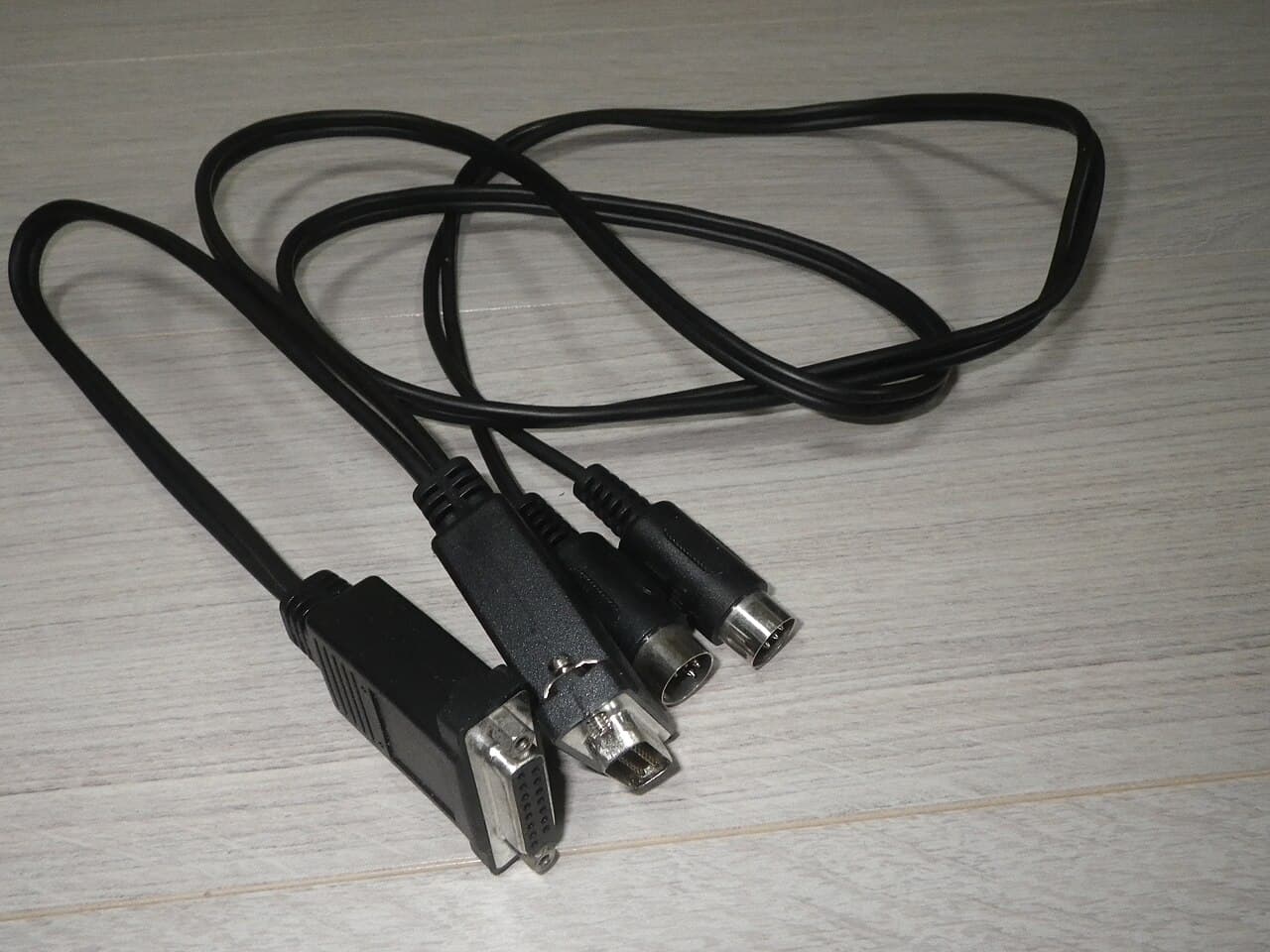
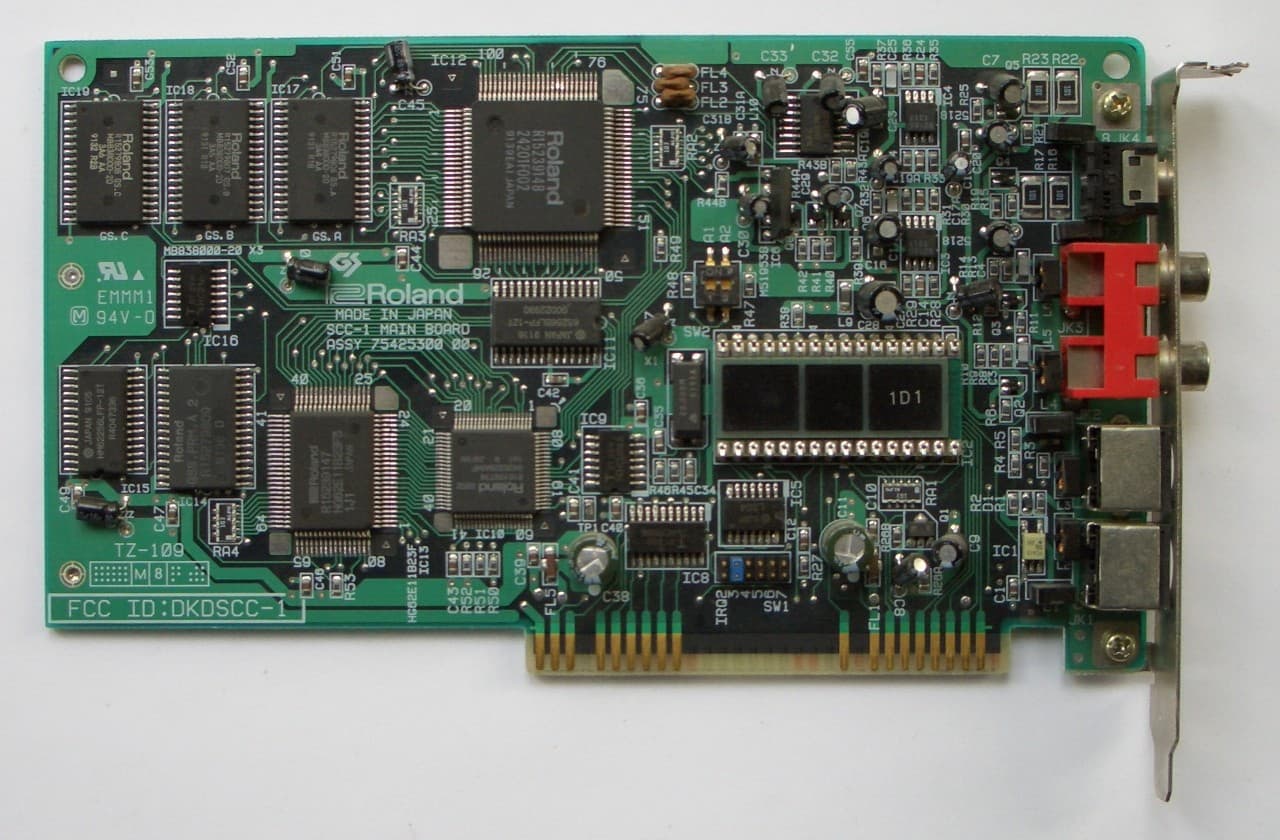
On the web, MIDI was the only music that made any sense on a 28.8k modem. A 3 MB MP3 took a quarter of an hour to download, and a 20 KB MIDI took six seconds. So GeoCities pages played a song in the background through the <bgsound> and <embed> tags, usually with no way to turn it off.
In karaoke bars, the song was a .kar: a MIDI file with the lyrics tucked inside it, syllable by syllable, each one stamped with the tick it should light up on. In your pocket, around 2002, the polyphonic ringtone was a MIDI file too; phones could play 4, 16 or 40 voices at once, so the SP-MIDI profile (2002) let one file tell the phone which channels to drop first when it ran out. And in the living room, a Yamaha Disklavier would read a MIDI file off a floppy disk and physically move the keys of a real grand piano. The file didn't contain the piano's sound, and it didn't need to, because what it contained was the pianist.
2000s to today: the listeners left, the makers stayed
Then MP3 came along, then streaming, and nobody listened to MIDI files anymore. They didn't disappear, though. They moved from the listener's computer to the producer's. The piano roll in every DAW is a MIDI editor. Every software instrument is a synthesizer waiting for a MIDI stream. Every keyboard and pad controller speaks it. Notes travel between Ableton Live, Logic Pro, FL Studio, MuseScore and Guitar Pro as .mid files, and when an audio-to-MIDI converter listens to a recording, a .mid file is what comes out the other end.
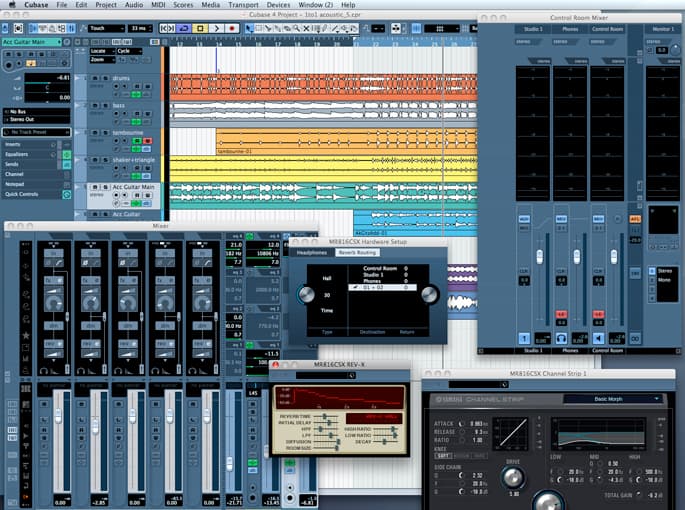
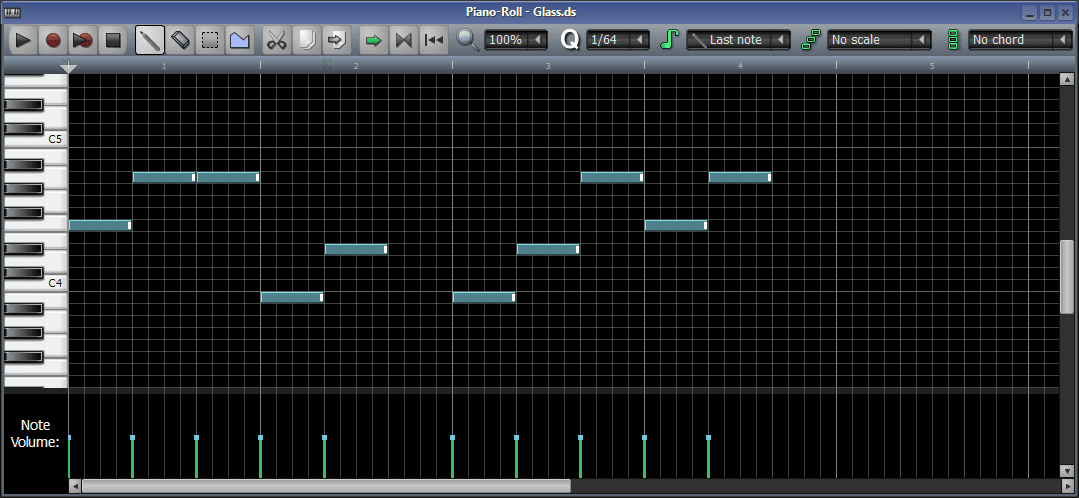
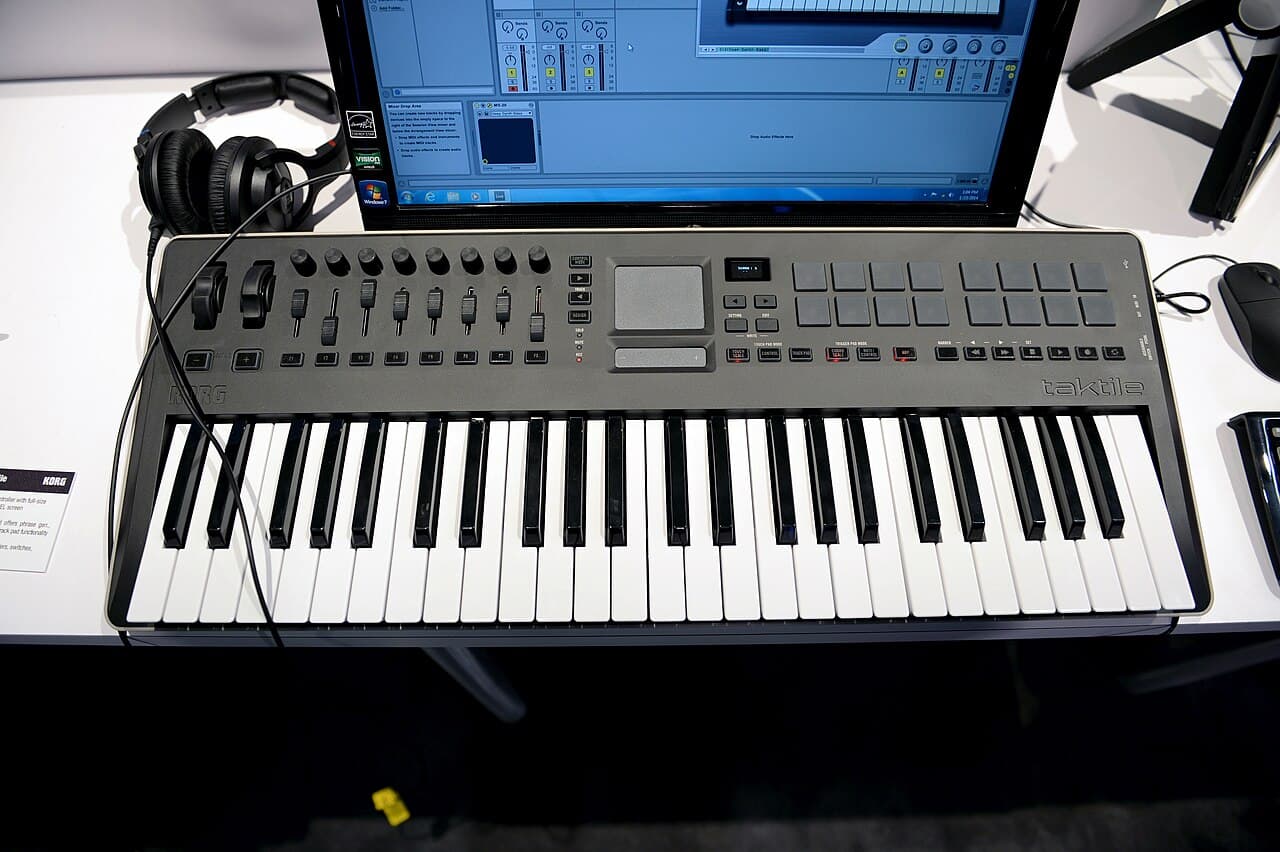
The cable changed three times along the way: USB (1999), the network (RTP-MIDI, 2006) and Bluetooth Low Energy (2015). The file didn't change once. The bytes in a .mid you write today are the same bytes Oppenheim specified in 1988.
2020: the sequel, 37 years later
MIDI 2.0 was announced at NAMM in January 2020, 37 years after the Prophet-600 met the Jupiter-6 at the very same show. This time it talks both ways (devices negotiate what they can do through MIDI-CI), it carries 16-bit velocity and 32-bit controllers instead of 7-bit values, it adds per-note pitch bend, and it offers 256 channels in 16 groups. Everything travels in a new Universal MIDI Packet, and it still talks to 1983 gear.
The file side of it is arriving in two parts. The MIDI Clip File (version 1.0, published June 2023) holds one sequence of packets, which is the role an SMF format 0 file plays. The MIDI Container File, the multi-track equivalent of format 1, was still unfinished in 2026. So the MIDI file sitting on your disk today is, byte for byte, a 1988 file, and the technical deep dive opens one up.
The different types: same extension, different animals
Two files can both be called song.mid and still be built quite differently. Three things vary between them: the format number (0, 1 or 2), the way time is counted, and which instruments the file assumes. The extension itself tells you almost nothing.
Format 0, 1 and 2: one box, several boxes, or a stack of songs
Oppenheim's spec allowed three shapes, and the third one never really caught on.
| Format | Shape | Who wants it |
|---|---|---|
| 0 | One track holding all 16 channels, mixed together in time order | Hardware: keyboards, ringtones, embedded players. Read straight through, no juggling. The most widely supported. |
| 1 | Several tracks running in parallel. By convention the first holds only the tempo map, time signatures and markers (the "conductor" track); each other track is usually one instrument on one channel. | Every DAW and notation program, on export and on import. |
| 2 | A stack of independent sequences, each with its own tempo map | The pattern-based hardware sequencers of the 1980s. Almost nothing reads it today; if an export dialog offers it, ignore it. |
Moving a song between format 0 and format 1 loses nothing at all: splitting one track by channel, or merging sixteen tracks into one, changes the bytes but not the music. Use format 1 for anything you're going to edit, and format 0 for playback on older hardware, since some of it reads nothing else.
Extensions: the family tree
| Extension | What it is |
|---|---|
| .mid, .midi | A Standard MIDI File. Same bytes; .midi is the long spelling, common on macOS and Unix. |
| .kar | A format 1 SMF with synchronized lyrics stored as text or lyric meta events (the Tune 1000 convention). Rename it to .mid and any player opens it. |
| .rmi | RIFF MIDI: an SMF wrapped in a Windows RIFF container, optionally with a DLS soundbank bundled in. Windows Media Player reads it. |
| .xmf, .mxmf | eXtensible Music Format (MMA, 2001): an SMF packaged with its own DLS instrument samples so it sounds the same everywhere. Mobile XMF was a ringtone format. |
| .smf | A rare alternative extension for the same format. |
| .mus, .xmi, .hmp | Game-specific MIDI variants from the DOS era (id Software's MUS, Miles Sound System's XMI, Human Machine Interfaces' HMP). Converters turn them into SMF. |
| .mmf | Yamaha SMAF, a phone ringtone format often listed next to MIDI. It is not a Standard MIDI File. |
MIDI 2.0's MIDI Clip File is a different animal again: it's a stream of Universal MIDI Packets rather than SMF chunks. You'll rarely come across one.
Which instruments the file assumes: why the drums sometimes come out as a piano
A MIDI file names instruments by number, and a number means nothing until a standard says what it means. If you've ever heard a MIDI file where the drums came out as a frantic piano, what you were hearing was a drum track that wasn't on channel 10, so the player read its notes as pitches instead of as drum names.
| The file assumes | What happens on another device |
|---|---|
| General MIDI | Plays as intended on anything GM-compatible, which is almost everything. The large majority of files online. |
| GS (Roland) or XG (Yamaha) | Uses extra sound banks and effects. A GM-only device plays the base instruments instead, usually with small differences. |
| Nothing | Files exported from a DAW project often carry no Program Change at all, because the sounds lived in plug-ins. Every channel then plays with the device's default patch, usually a piano. Files from audio-to-MIDI converters carry the detected notes, timing and velocity; what else they write depends on the converter. musictomidi writes no Program Change, and its multi-instrument models put each instrument on its own track, so your DAW picks the sounds. |
Time: the file has a ruler, not a clock
A MIDI file doesn't store seconds. It stores ticks, and the header tells you how many ticks make up a quarter note (typically 96, 480 or 960). A tempo event then says how long a quarter note lasts. Change the tempo and every note stretches along with it, which is why a MIDI file will play at any speed without the chipmunk effect you get when you stretch audio.
| Division | How time is counted | Where you see it |
|---|---|---|
| Metrical (PPQN) | Ticks per quarter note; tempo events convert ticks to seconds. | Nearly every file |
| SMPTE | Ticks per frame at 24, 25, 29.97 or 30 frames per second. Absolute time, pinned to the clock whatever the tempo does. | Film and post-production |
Sources
- Standard MIDI Files 0.06, Dave Oppenheim, March 1, 1988
- Interpreting a Standard MIDI File, Dave Sebald (adoption by the MMA, July 1988)
- MIDI Clip File Specification, The MIDI Association
- AMEI and The MIDI Association update MIDI 2.0 core specifications, June 2023 (KVR)
- The State of MIDI 2.0, update February 2026, The MIDI Association
- Three Hubs, One Revolution: Silicon Valley, Japan and Hamburg, The MIDI Association
- Atari ST, Wikipedia (520ST 1985, built-in MIDI ports, Depeche Mode, Darude)
- Cubase, Wikipedia (first release April 1989, Atari ST)
- Cubase 1.0 for Atari ST, Atarimania
- The History of the DAW, Yamaha Make Waves
- Kar, MultimediaWiki
Got the audio? Get the MIDI.
Upload any recording — guitar, piano, vocals, a full mix — and download the MIDI file. Free.
Convert audio to MIDI →